Email
overseasales@hfxlyb.com
Inquiry
overseasales@hfxlyb.com
Current location: Home > Products
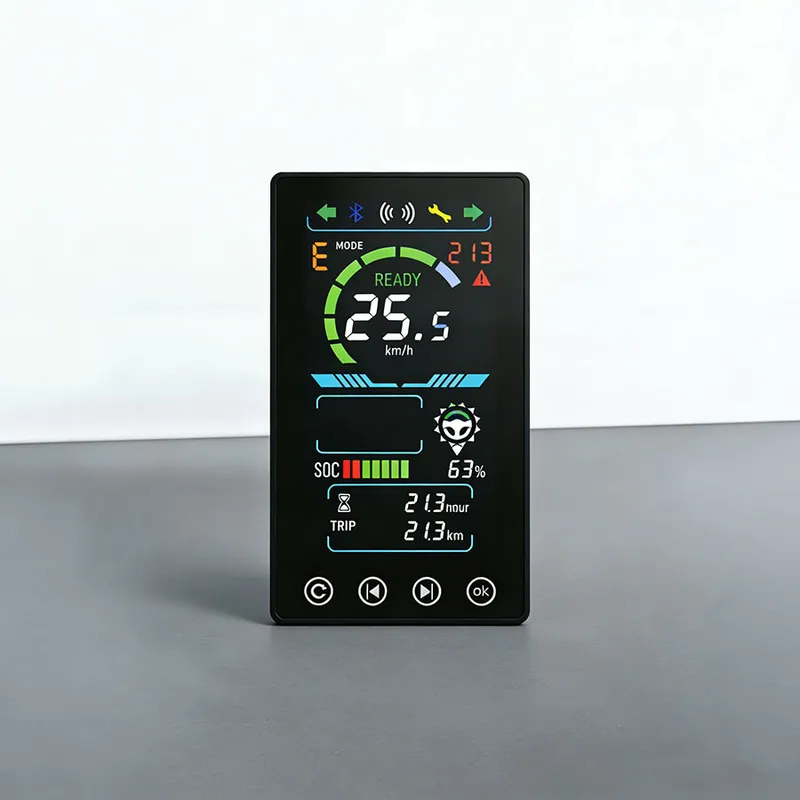
Wheel Loader Monitor Gauge

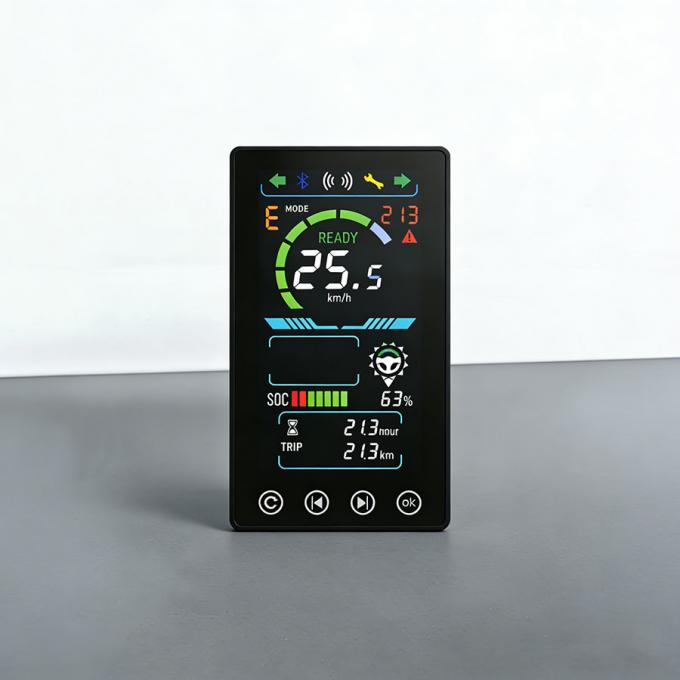
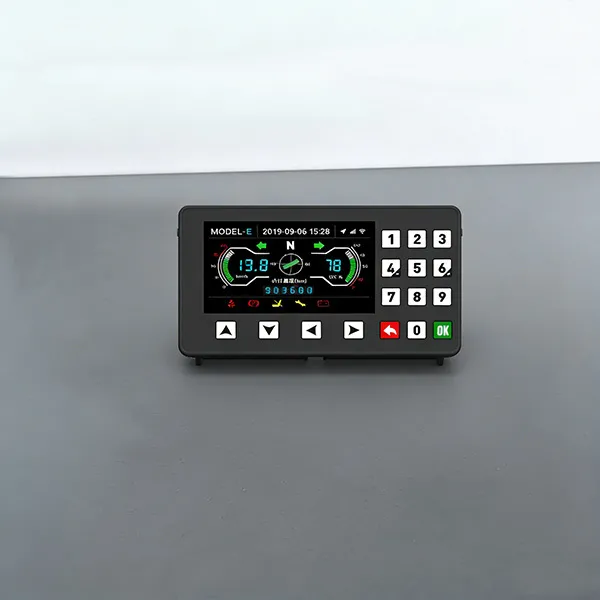
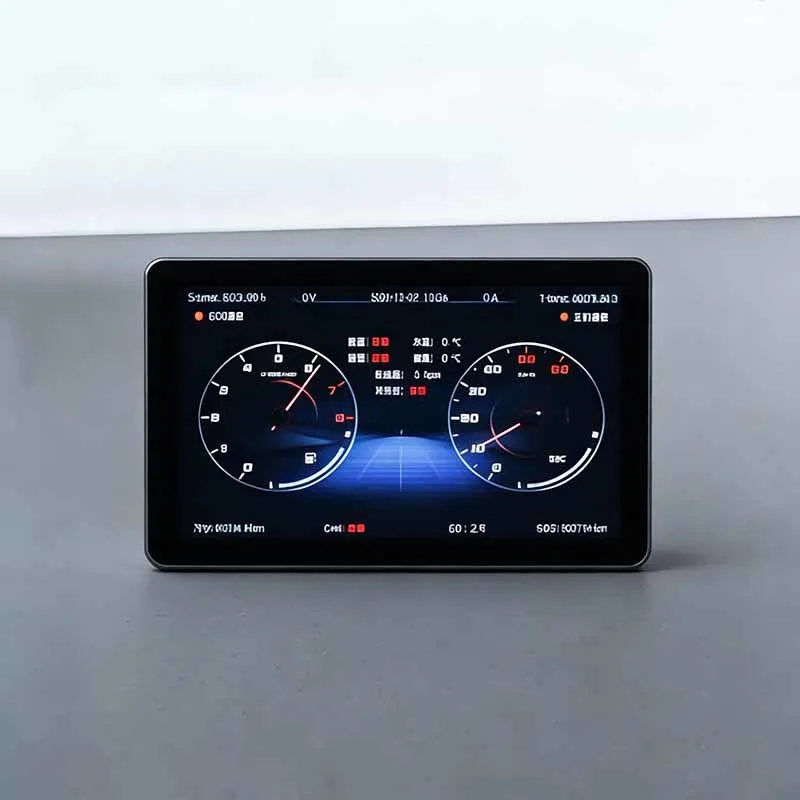
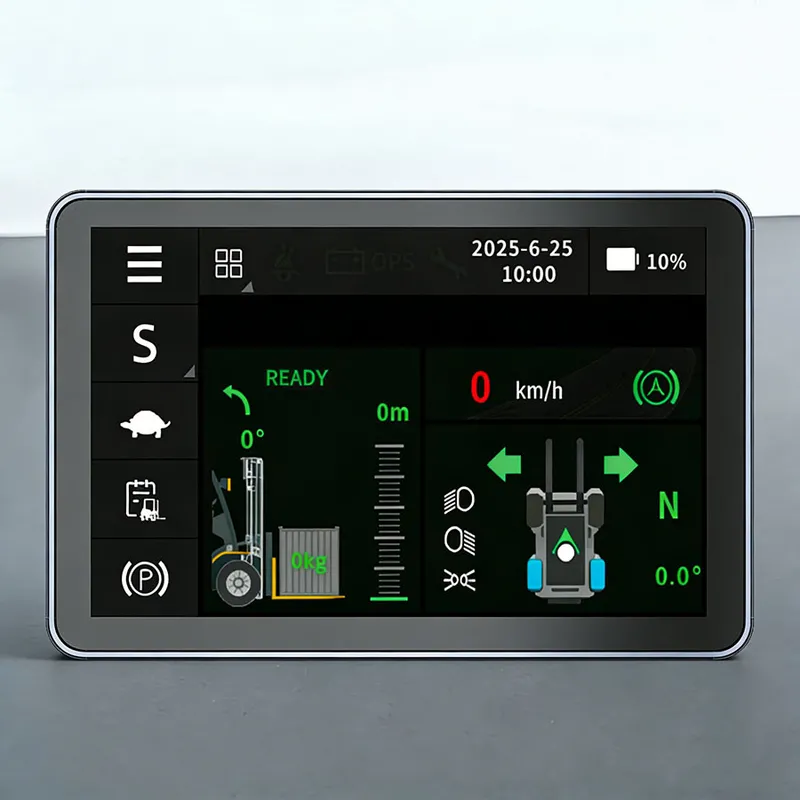
With Linux and other systems as the technical backbone, we’ve developed a full range of 5-inch engineering machinery instruments that cover essential functions like instrument display, communication, and card login.

DETAILS

Wheel Loader Monitor Gauge

With Linux and other systems as the technical backbone, we’ve developed a full range of 5-inch engineering machinery instruments that cover essential functions like instrument display, communication, and card login. Beyond standard instrument capabilities, it comes equipped with a driving recorder, 4G module (car networking), Bluetooth, Wi-Fi, GPS/Beidou positioning, speaker, and radio—all designed to enhance operational convenience.
In addition, the product allows memory expansion up to 256GB and beyond, supports software updates through USB or Wi-Fi, and can be customized to align with users’ unique application needs.

Technical Parameters of Wheel Loader Monitor Gauge

 Application Scenarios

 Electric forklifts, tractors, sightseeing carts, golf carts, etc.

showing type

TFT 6-inch display

Working Voltage

DC 8V-36V

communication mode

Dual-channel CAN interface

interface output

M22032S-2X6-A

Optional configuration

card swiping


Core Advantages of Wheel Loader Monitor Gauge

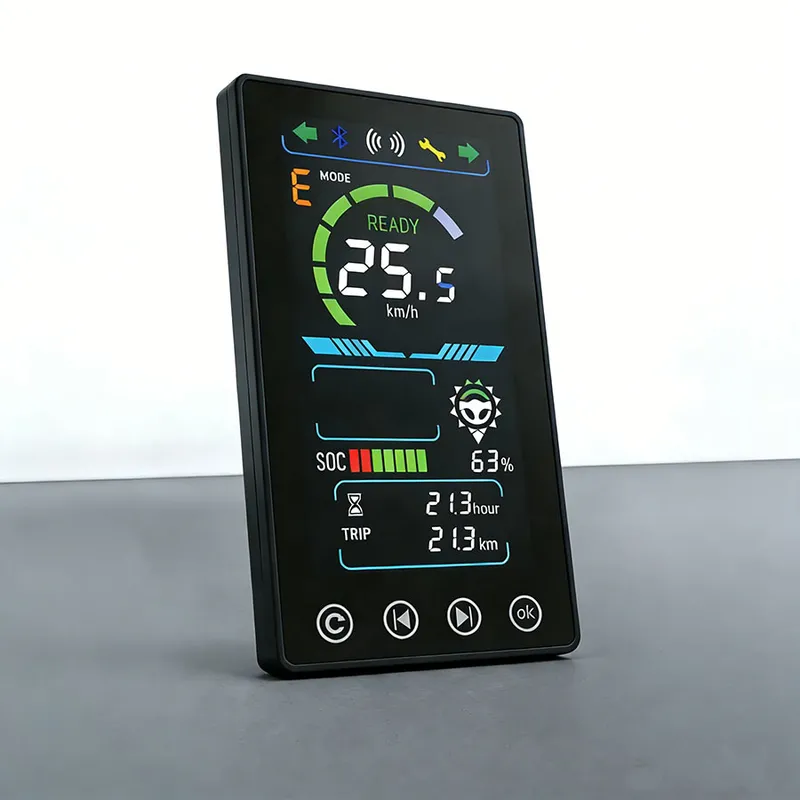
1,Electricity or fuel display, gear and speed display

2,Total kilometers, single trip display

3,Fault Display and Custom Settings
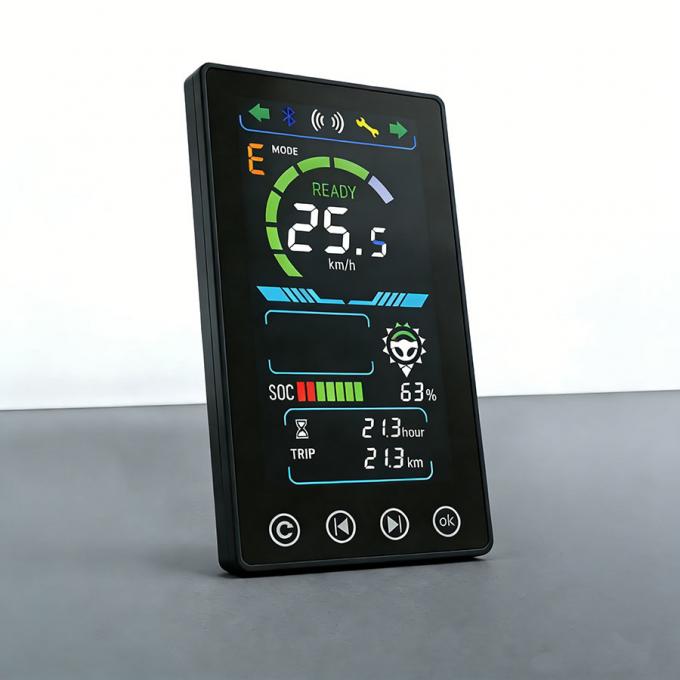

 6-inch Color Forklift Segment Code Display Screen 06-inch Color Forklift Segment Code Display Screen 1


How to maintain the forklift touch display?

Proper daily maintenance will extend service life and keep stable performance of the forklift touch display. Please follow the suggestions below:
◆  Cleaning requirementAlways cut off power supply before cleaning. Use soft lint‑free microfiber cloth for wiping dust and stains.Never use alcohol‑based corrosive chemicals, abrasive wipes or high‑pressure water jet to wash the unit, which may damage touch layer and seal structure. For stubborn stains, slightly dampen the cloth with clean water.

◆  Physical protection
Prevent hard tools and sharp metal parts from scratching the touch glass. Avoid heavy impact on display surface during forklift operation.

◆  Wiring & connection inspection
Periodically check power and CAN‑bus connectors. Ensure connectors are locked firmly and free from dust, oil and moisture. Loose terminals will cause screen flickering, restart or signal loss.

◆  Power‑supply usage
Operate within rated DC 8‑32V voltage range. Avoid voltage surge. Observe if there is abnormal overheating during long‑time running.

◆  Troubleshooting note
In case of touch lag, screen flicker or black screen, do not open the housing for self‑repair. Please record fault phenomenon and contact our technical team for guidance.


Related Products

Learn More