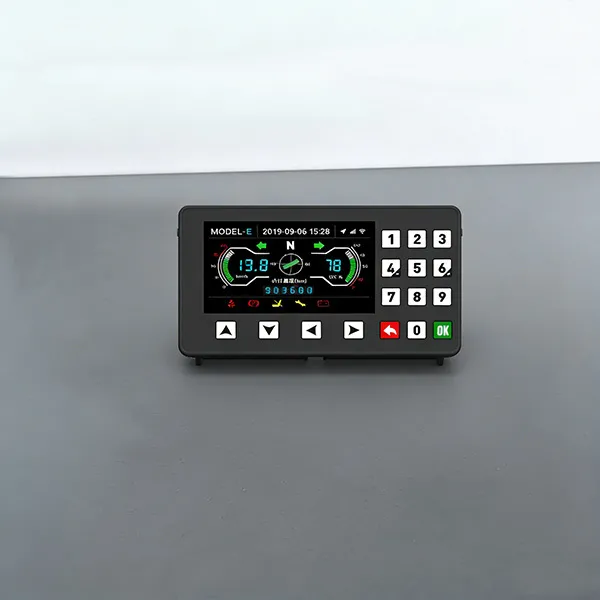
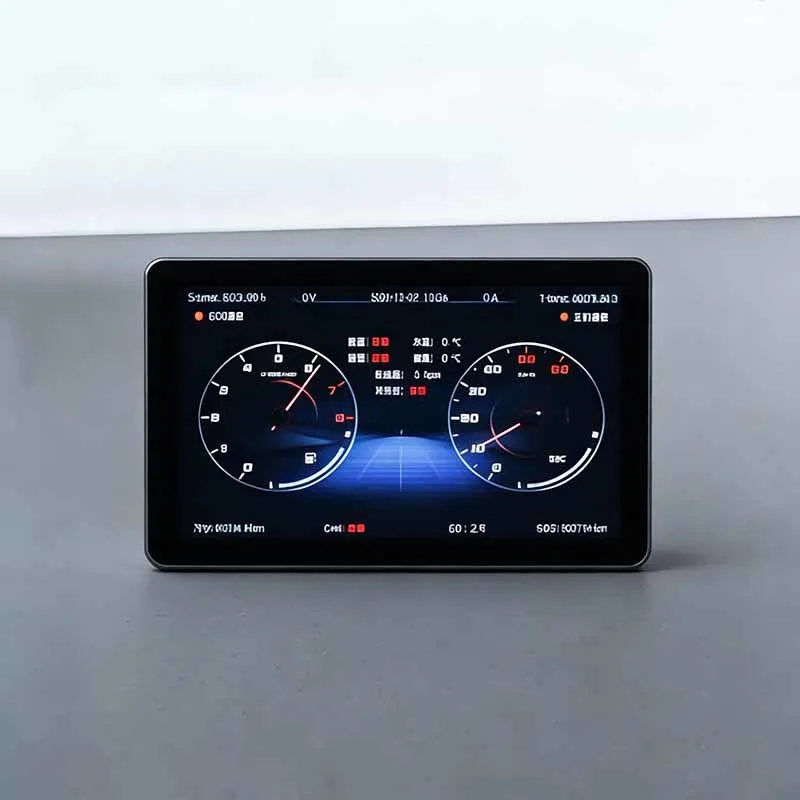
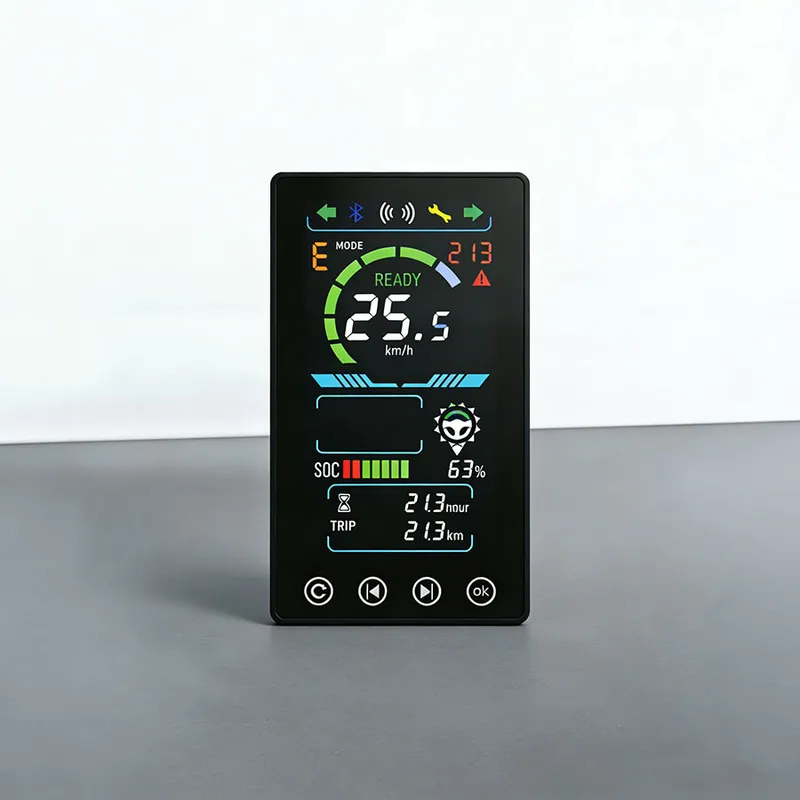
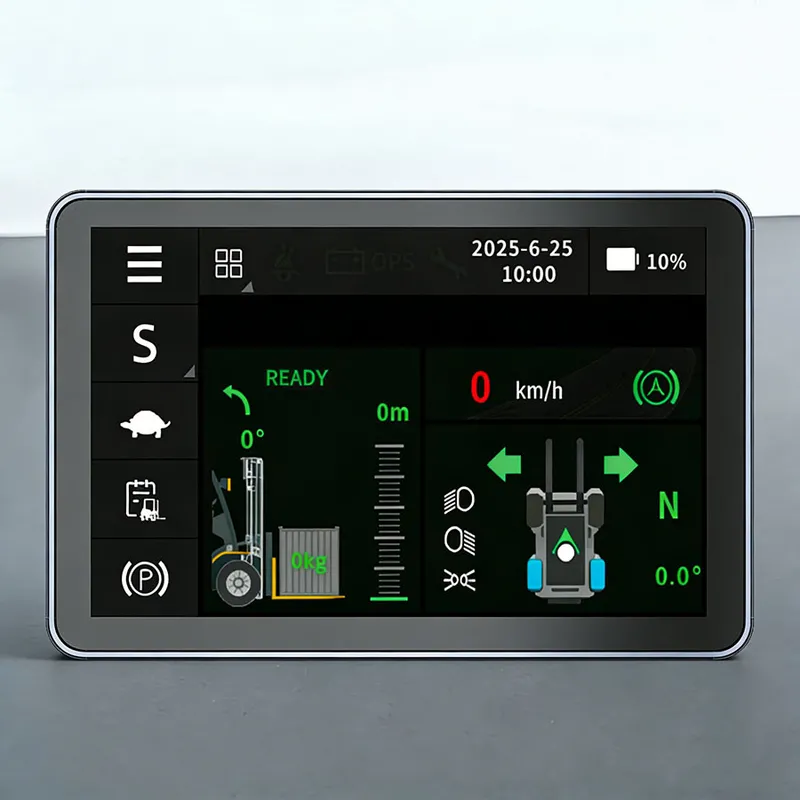
3.5-inch Bulldozer Instrument Panel
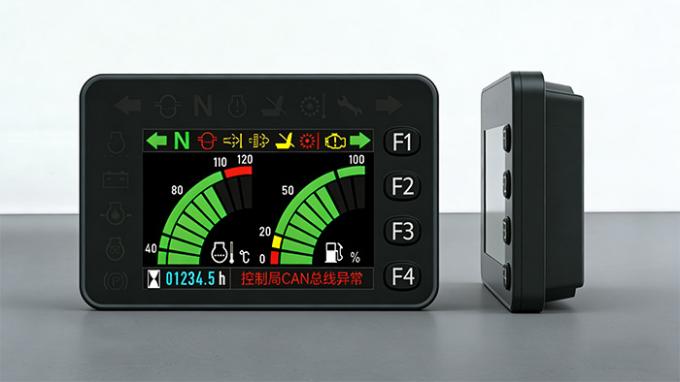
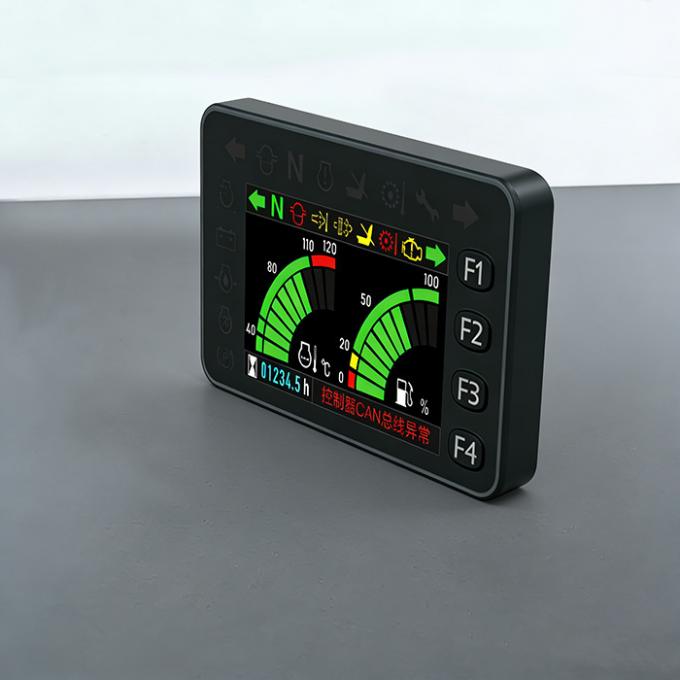
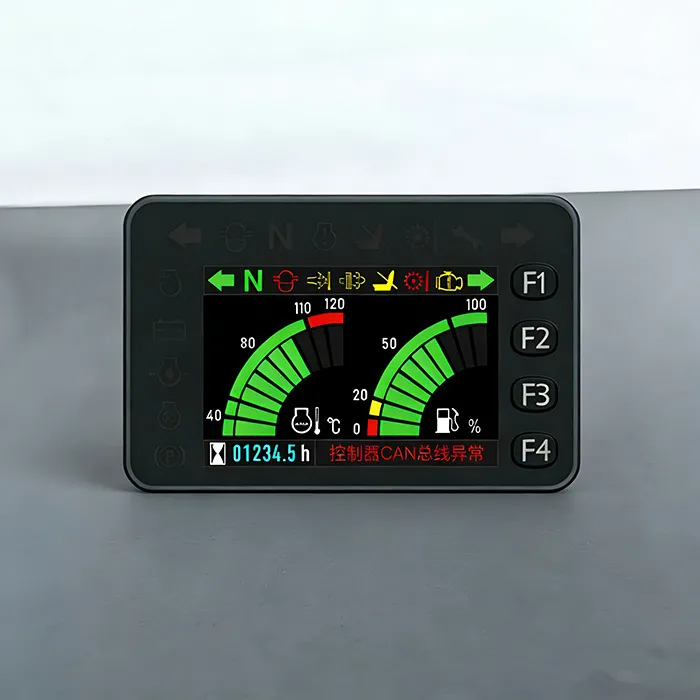
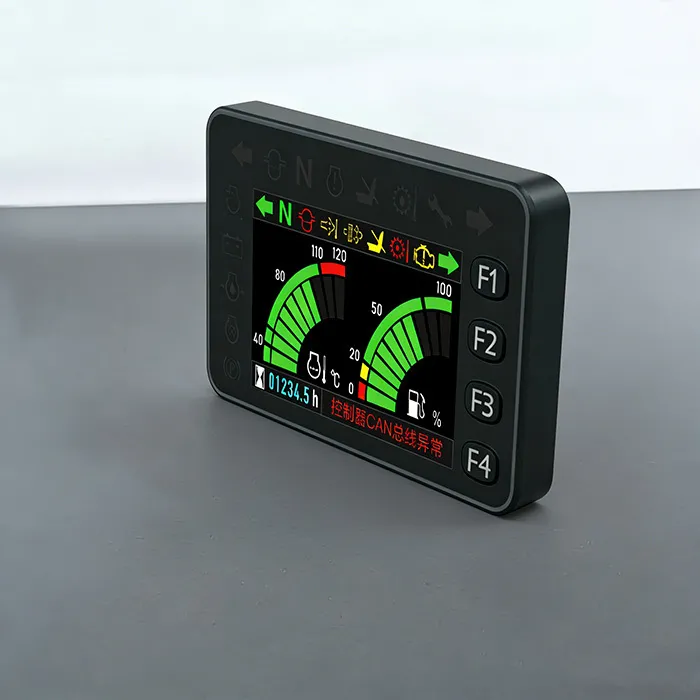
With Linux and other systems as the technical backbone, we’ve developed a full range of 3.5-inch Forklifts Intelligent Color Display that cover essential functions like instrument display, communication, and card login. Beyond standard instrument capabilities, it comes equipped with a driving recorder, 4G module (car networking), Bluetooth, Wi-Fi, GPS/Beidou positioning, speaker, and radio—all designed to enhance operational convenience.
In addition, the product allows memory expansion up to 256GB and beyond, supports software updates through USB or Wi-Fi, and can be customized to align with users’ unique application needs.
Technical Parameters of 3.5-inch Bulldozer Instrument Panel
Application Scenarios | Electric forklifts, tractors, sightseeing carts, golf carts, etc. |
Display Screen | 3.5-inch Color Screen |
Storage Temperature | -40℃~+80℃ |
Operating Temperature | -30℃~+75℃
|
Operating Voltage | DC 8~32V, DC12V/24V Universal |
Protection Grade | IP65 |
What are the common faults of Bulldozer Instrument Panel and how to solve them?
Bulldozer Instrument Panel work under conditions of continuous vibration, wide temperature range, dust and motor electromagnetic interference. Below lists typical faults, root‑cause analysis and troubleshooting methods.
1. No backlight, screen cannot power‑on
Possible causes: Wrong input voltage, reverse power connection, harness open‑circuit, connector pin oxidation, internal hardware damage.Troubleshooting:
Measure power supply voltage at instrument terminal.
Inspect harness and connector for open‑circuit or oxidation.
If input power is normal and connection is good, hardware damage is confirmed; replace display or main‑board assembly.
2. Screen flickering, intermittent on‑off display
Possible causes: Harness connector loosened by long‑term vehicle vibration; unstable power supply; poor grounding; electromagnetic interference.Troubleshooting:
Re‑insert and lock all connectors. Check pin condition.
Detect power voltage fluctuation during forklift operation.
Optimize grounding wiring; separate power cables from signal cables.
3. Garbled characters, disordered icons, incorrect parameters
Possible causes: Unmatched CAN‑bus protocol / baud rate / CAN‑ID; strong electromagnetic interference; display firmware program error.Troubleshooting:
Double‑check CAN communication parameters against vehicle BMS / controller definition.
Optimize harness routing, separate signal lines from power‑motor cables.
Re‑flash correct firmware if program exception is confirmed.
4. Poor readability under strong sunlight
Possible causes: Civil‑grade low‑brightness screen without industrial high‑brightness configuration.Troubleshooting: Replace with industrial high‑brightness forklift‑grade display screen.
5. Partial dead pixels, partial screen area failure
Possible causes: Mechanical shock, long‑term vibration aging, high‑low temperature aging.Troubleshooting: Partial pixel failure belongs to hardware damage, cannot be repaired locally; replace display module.
Important reminder:
Damage caused by over‑voltage, reverse‑connection and unprofessional wiring is excluded from warranty. Installation and troubleshooting should be operated by professional industrial‑vehicle electrician.

 Stock Code: 832864
 +86-13651879559
 overseasales@hfxlyb.com
 +8613651879559


 Email
Email Inquiry
 Search
 Current location:
  +8613651879559
 Send Enquiry