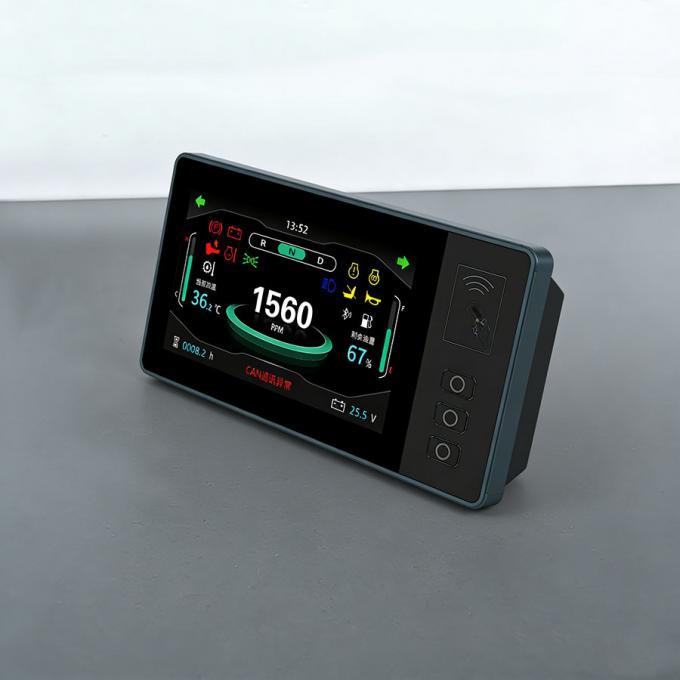
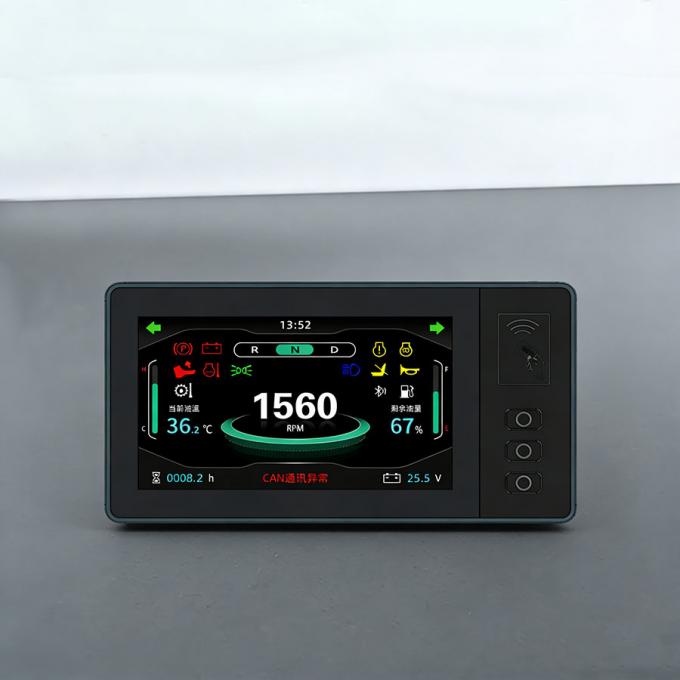
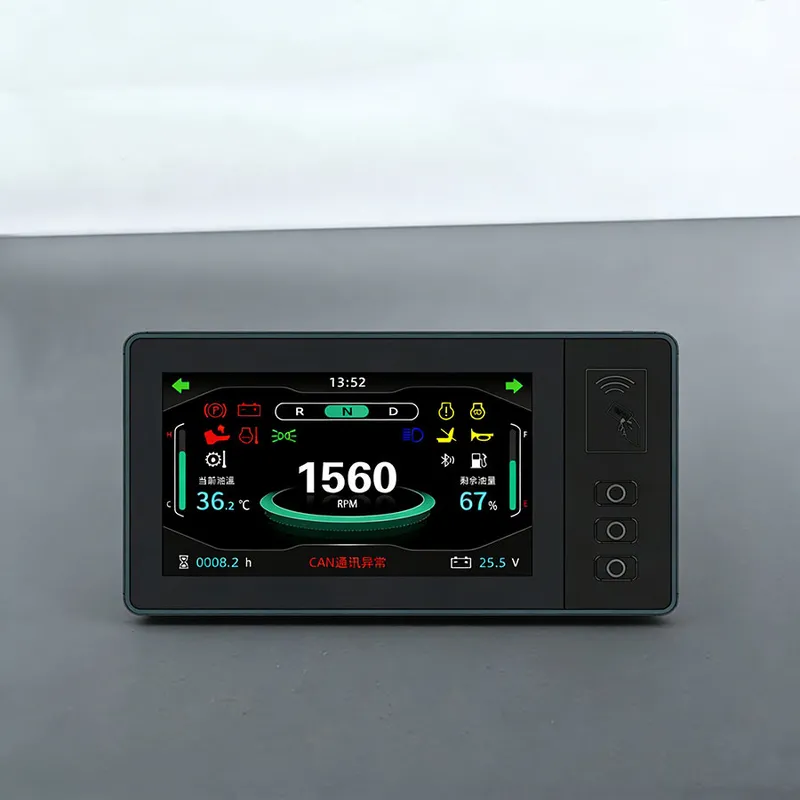
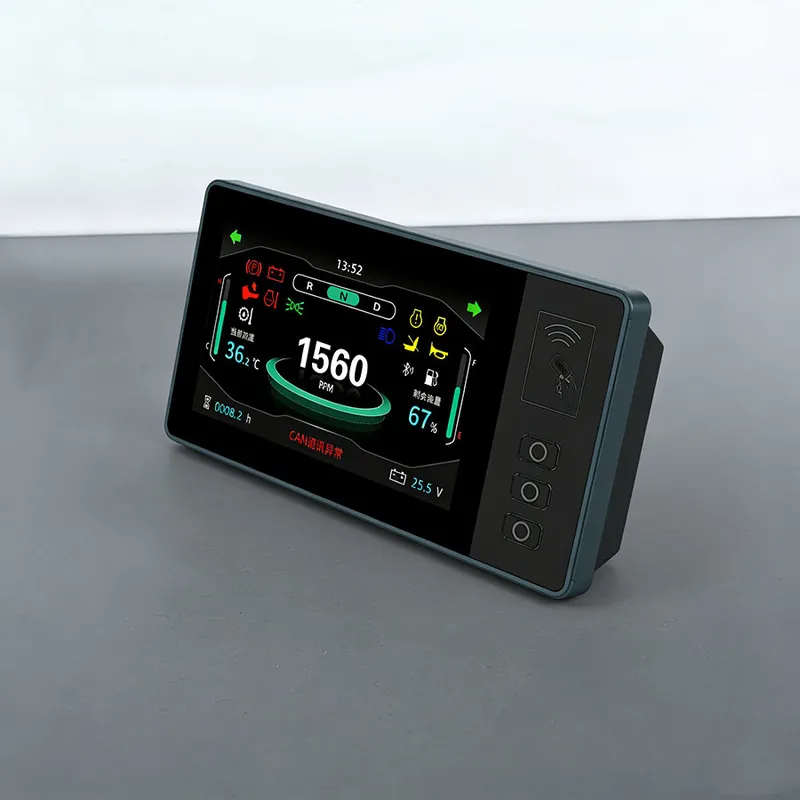
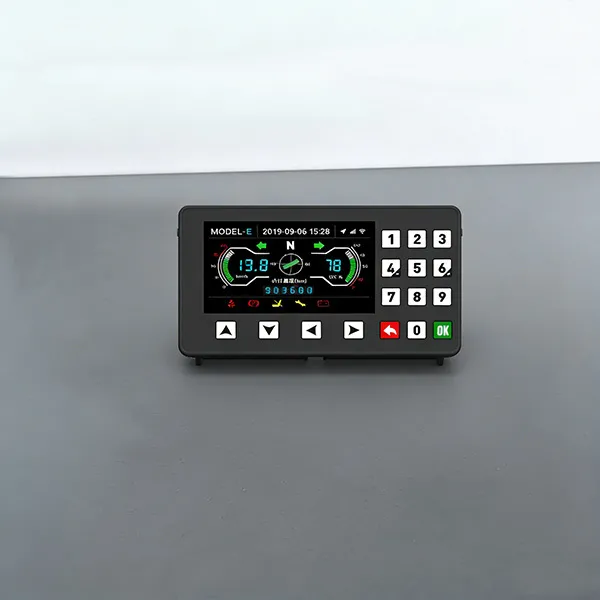
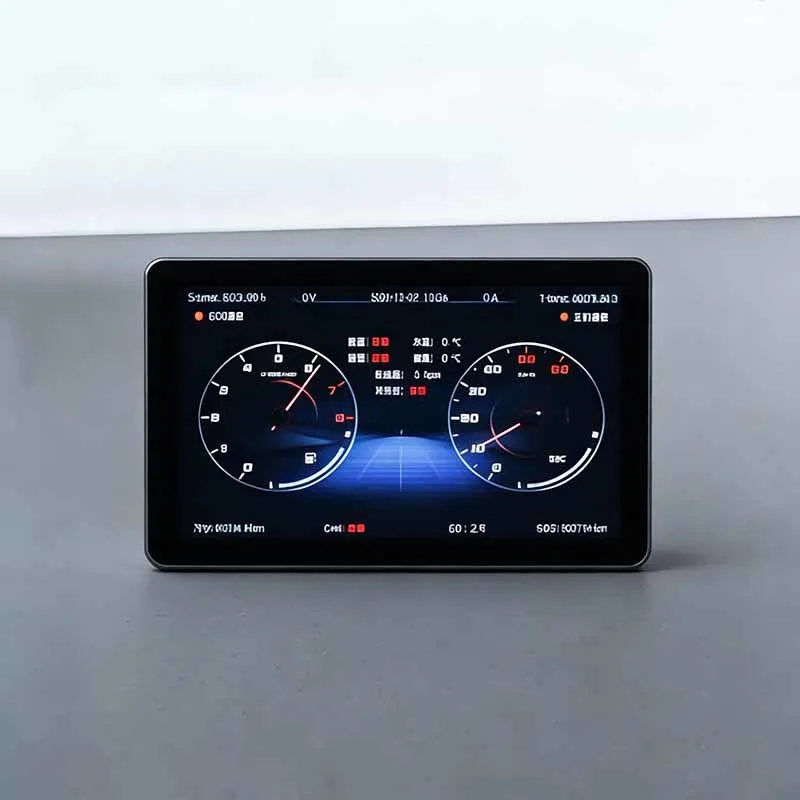
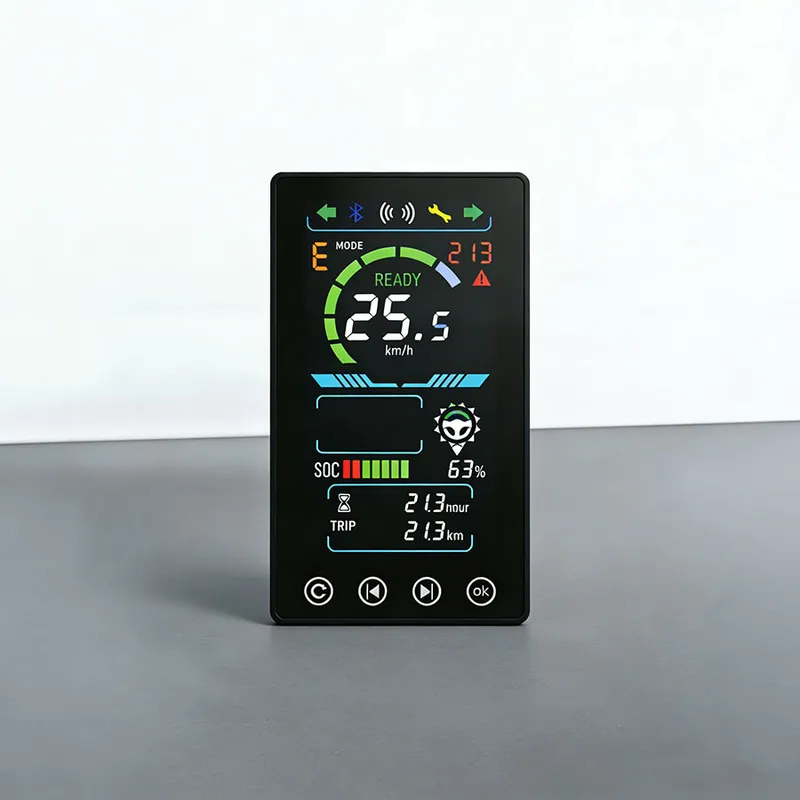
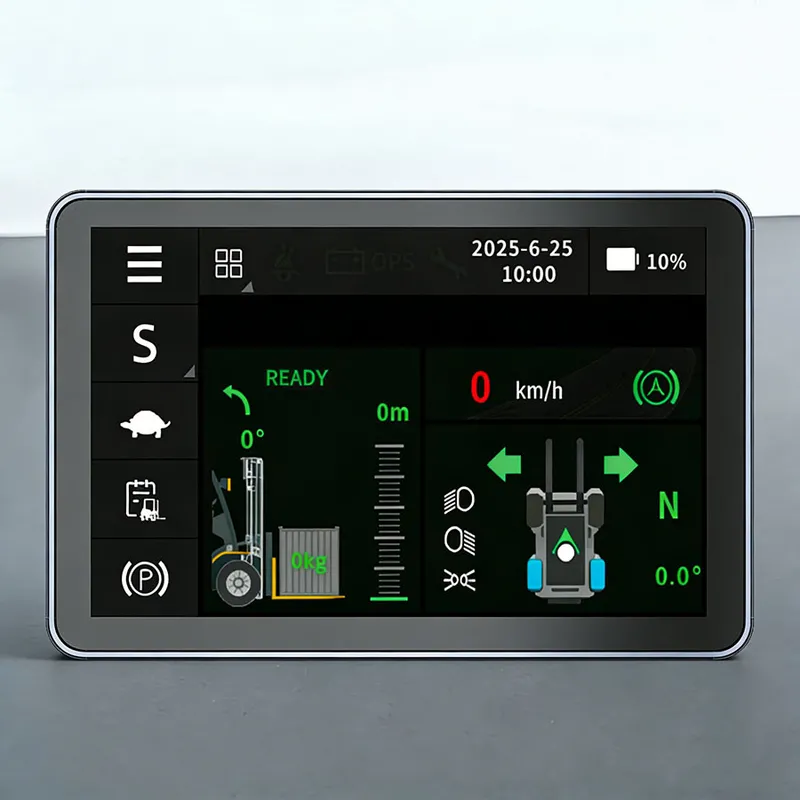
SM9251 5-inch Forklift Intelligent Vehicle-Mounted Display Touch Screen
This product is developed based on Linux and other systems, creating a full range of 5-inch engineering machinery instrument products, realizing basic functions such as instrument display, communication, and card login.
The product supports standard instrument functions, driving recorder, 4G module (car networking), Bluetooth, Wi Fi, GPS/Beidou positioning, speaker and radio functions; In addition, it can also support memory expansion of 256GB or more, software updates through USB or Wi Fi, and provide personalized customization services according to user needs.
Technical Parameters of SM9251 5-inch Forklift Intelligent Vehicle-Mounted Display Touch Screen
Application Scenarios | Electric forklifts, tractors, sightseeing carts, golf carts, etc. |
showing type | TFT 5-inch display, 800*480 resolution |
Working Voltage | DC 8V-36V |
communication mode | Dual-channel CAN interface |
terminal output | M22032S-2X6-A |
Optional Configurations | Face recognition or card swiping |
Core Advantages of SM9251 5-inch Forklift Intelligent Vehicle-Mounted Display Touch Screen
1,Electricity or fuel display, gear and speed display
2,Total kilometers, single trip display
3,Fault Display and Custom Settings
Do you have any suggestions for using the forklift touch screen in a dusty environment?
When the forklift touch screen works in heavy‑dust working conditions, please follow these recommendations to maintain stable performance and extend service life:
◆ Screen surface maintenanceRegularly remove surface dust with dry soft microfiber cloth. Excessive dust covering touch glass will weaken touch sensitivity. Do not use hard brushes or sharp tools to clean the surface, which may scratch the touch glass.
◆ Structure selection suggestionChoose the fully‑laminated touch screen solution. There is no air gap between touch sensor and LCD panel, so dust cannot penetrate into the inner layer. Ordinary frame‑bonded type risks dust accumulating inside the gap in long‑term dusty sites.
◆ Connector and wiring protectionEnsure all power and CAN‑bus connectors are tightly locked. Apply sealing measures for cable inlets. Dust intrusion into terminals will result in unstable signal, screen flicker or intermittent communication failure.
◆ Optional external protectionFor extremely dusty workshops, an add‑on transparent protective cover can be installed on the front of display. Make sure the cover will not interfere with touch operation.
◆ Daily inspectionPeriodic visual inspection for dust buildup. If touch becomes unresponsive, first clean surface dust before troubleshooting hardware faults.

 Stock Code: 832864
 +86-13651879559
 overseasales@hfxlyb.com
 +8613651879559


 Email
Email Inquiry
 Search
 Current location:
  +8613651879559
 Send Enquiry