
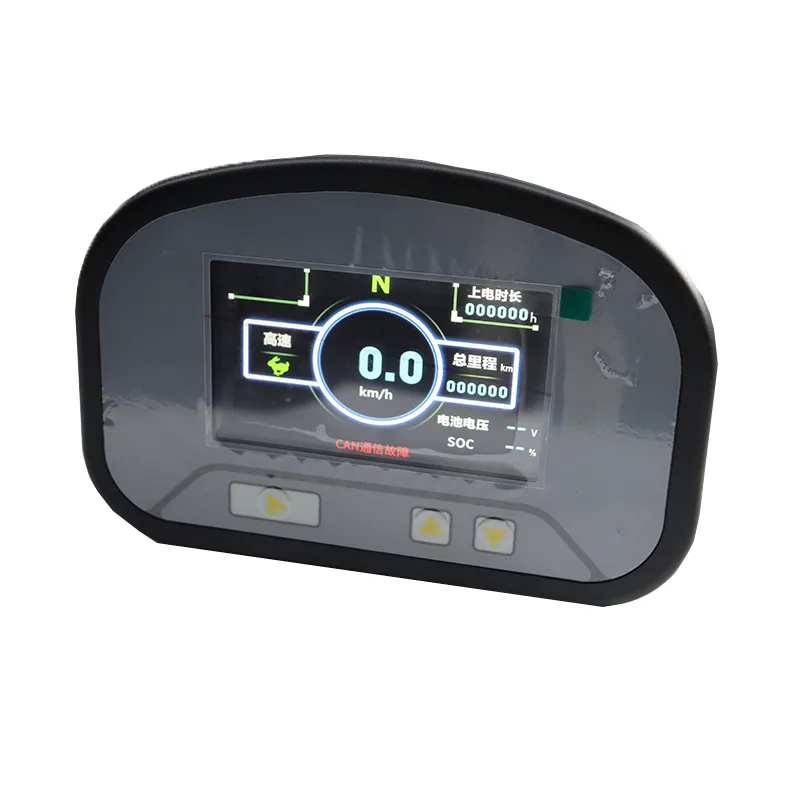
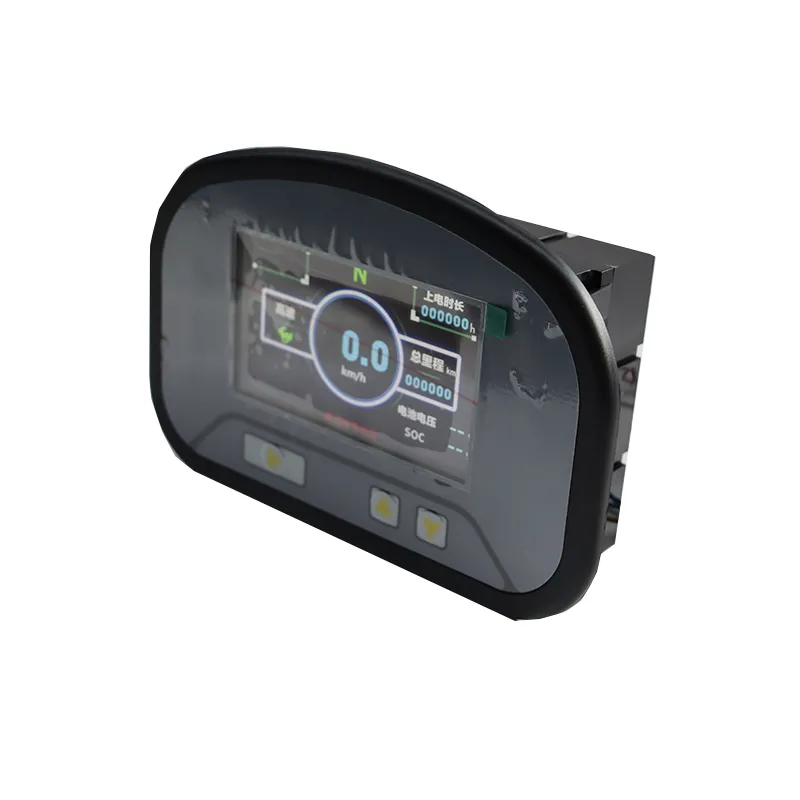
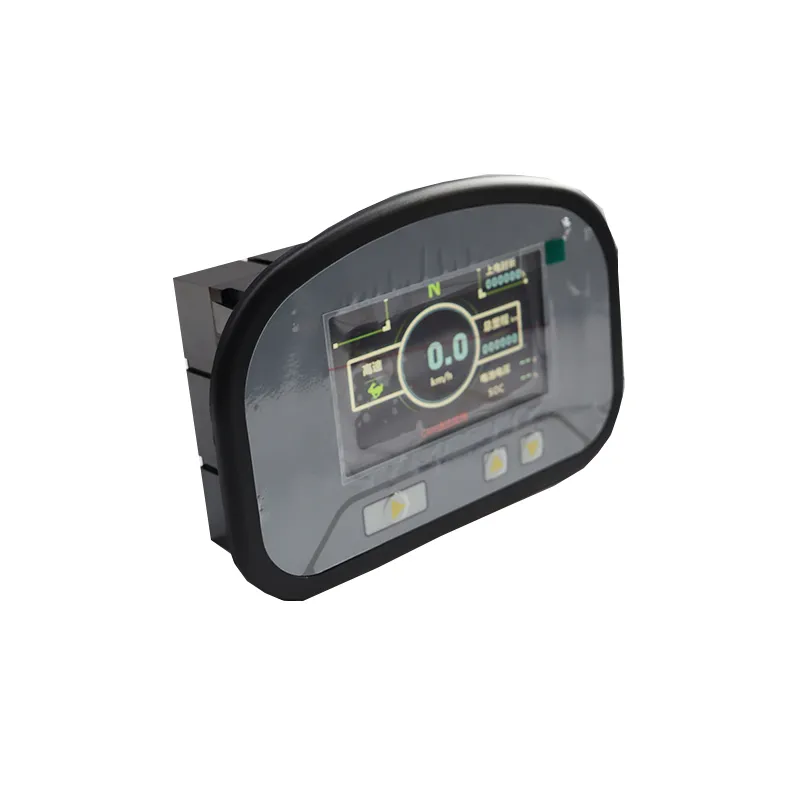
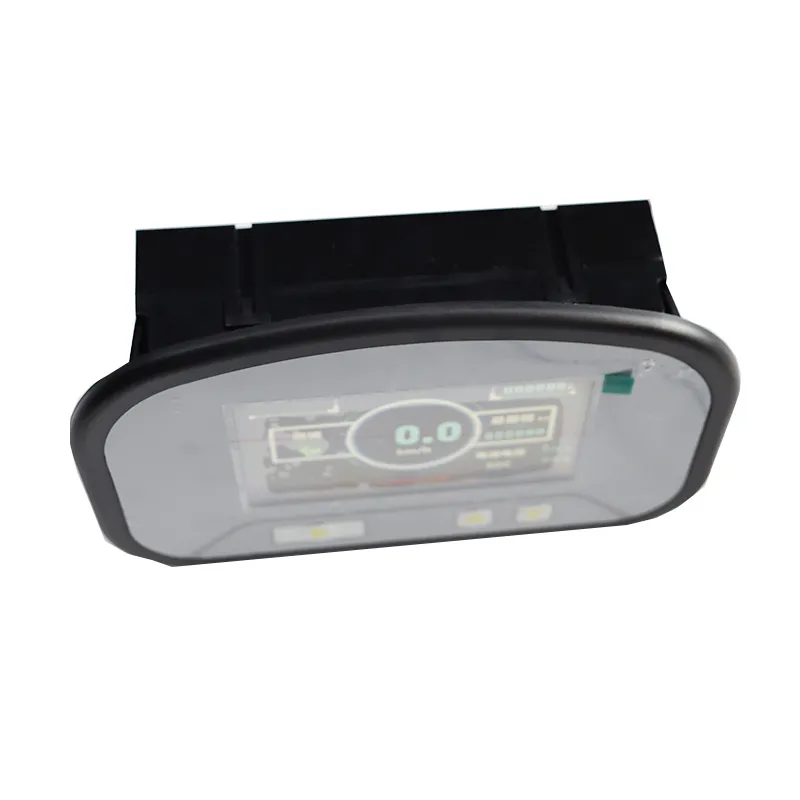
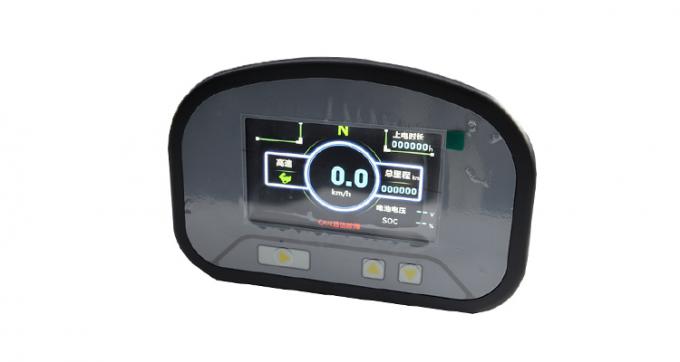
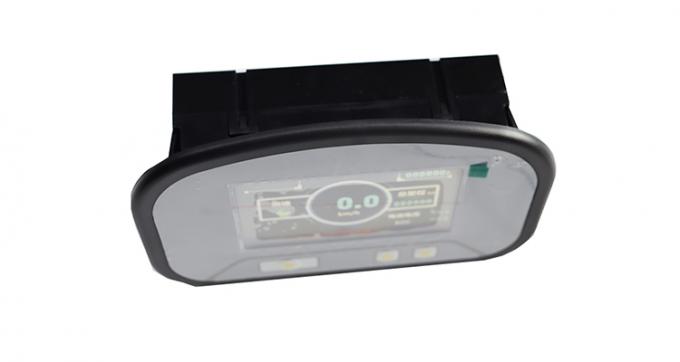
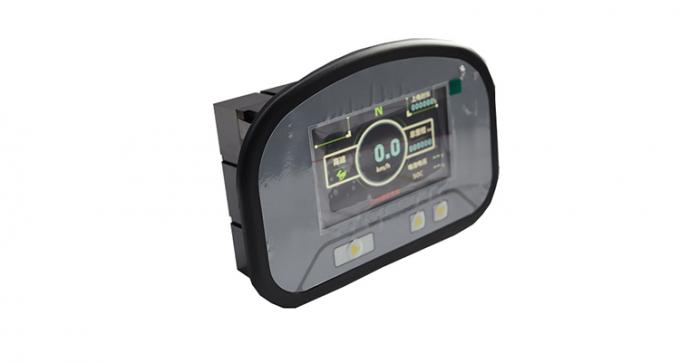
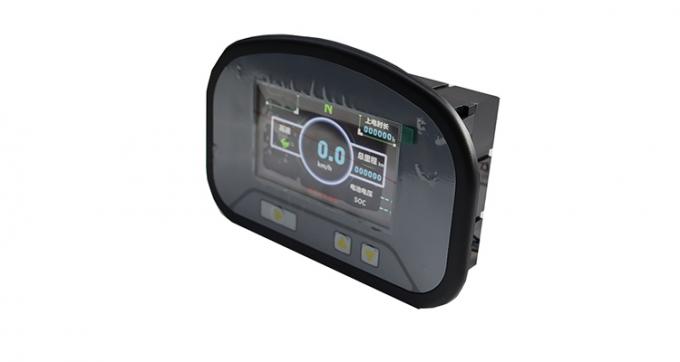
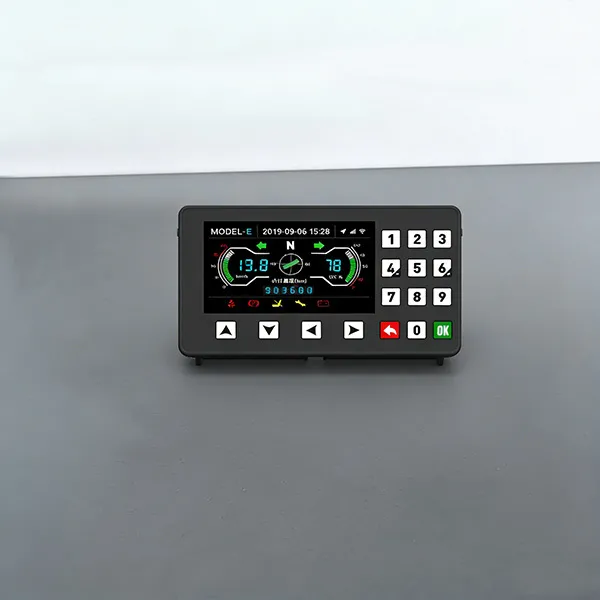
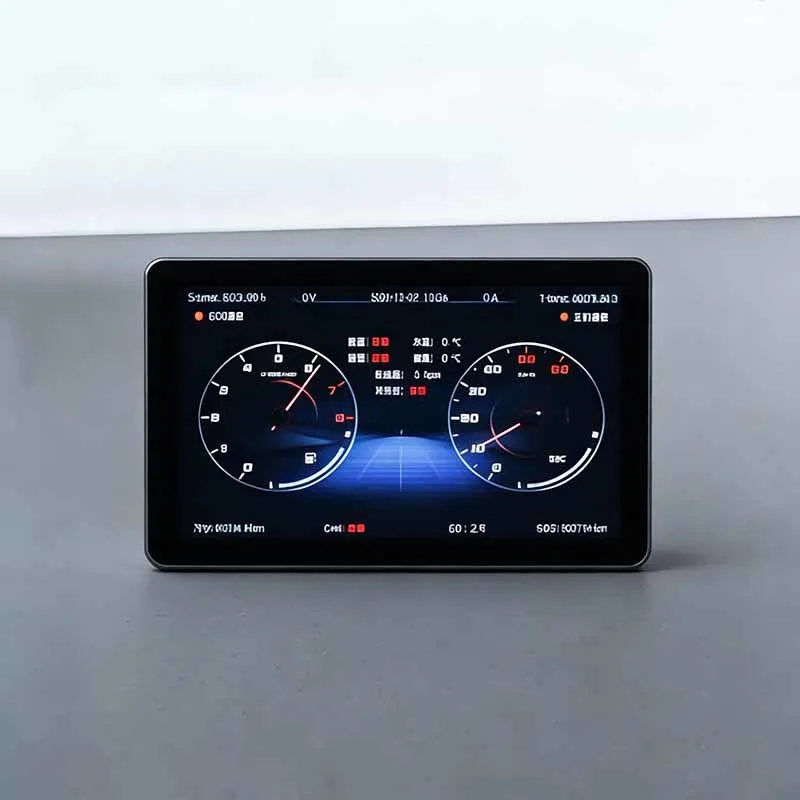
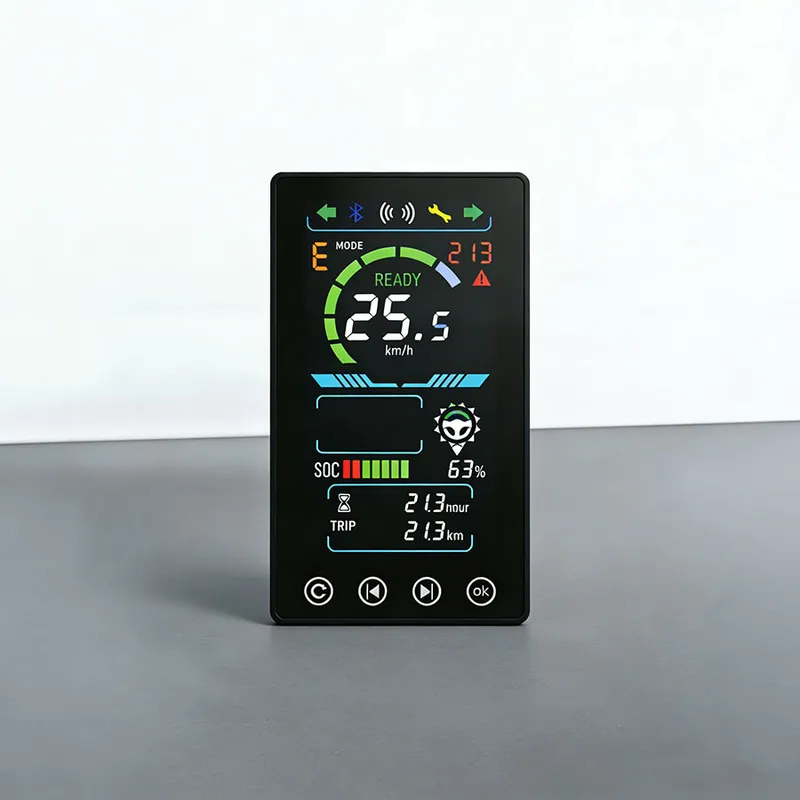
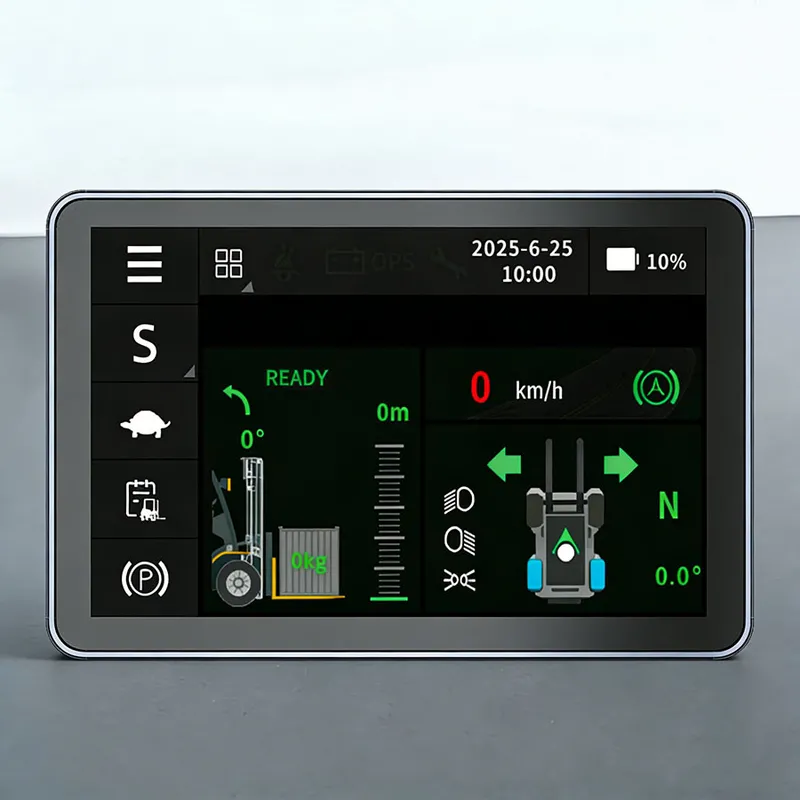
DZB1262B-BYD is a multi-channel CAN industrial vehicle combined instrument display that supports multi-channel signal transmission and enables synchronous update of equipment data. This instrument display is equipped with a multi-channel CAN communication module.
DZB1262B-BYD Multi-channel CAN Industrial Vehicle Combined Instrument Display Screen - Multi-channel Signal Transmission - Equipment Data Synchronous Update
DZB1262B-BYD is a multi-channel CAN industrial vehicle combined instrument display that supports multi-channel signal transmission and enables synchronous update of equipment data. This instrument display is equipped with a multi-channel CAN communication module. Multiple sets of sensing lines can be simultaneously connected to the instrument display without interfering with each other, ensuring stable and smooth signal reception by the instrument display. Various data such as oil pressure, speed, power, and fault codes are synchronously transmitted to the instrument display, eliminating the need for waiting for refresh. Operators can view the instrument display and obtain real-time information about the entire equipment condition.
Standardized communication interfaces expand the adaptability range of the instrument display. Loaders, mining vehicles, and electric engineering vehicles can all be matched with the instrument display. The high-definition display panel optimizes the display effect of the instrument display, with multiple parameters arranged in separate zones on the instrument display, and the readings are clear and intuitive. The sealed and shock-resistant enclosure fully protects the instrument display, and dust and vibration from the construction site will not interrupt the signal transmission of the instrument display.
The multi-channel parallel transmission architecture avoids data delay and stuttering, and various operation information is updated synchronously on the instrument display. The simple wiring design reduces the assembly difficulty of the instrument display, and it is very convenient to disassemble and assemble the instrument display when repairing the wiring. The powerful data synchronization capability significantly increases the information carrying capacity of the instrument display, making it a reliable instrument display for various industrial vehicles.
Application Scenarios | Electric forklifts, tractors, sightseeing carts, golf carts, etc. |
Display Screen | 3.5-inch Color Screen |
Storage Temperature | -40℃~+80℃ |
Operating Temperature | -30℃~+75℃ |
Operating Voltage | DC 8~32V, DC12V/24V Universal |
Protection Grade | IP65 |
 Stock Code: 832864
 +86-13651879559
 overseasales@hfxlyb.com
 +8613651879559
Copyright © 2026 Shinny Instrument Control Technology Co.,Ltd. All rights reserved.


 Email
Email Inquiry
 Search
 Current location:
  +8613651879559
 Send Enquiry