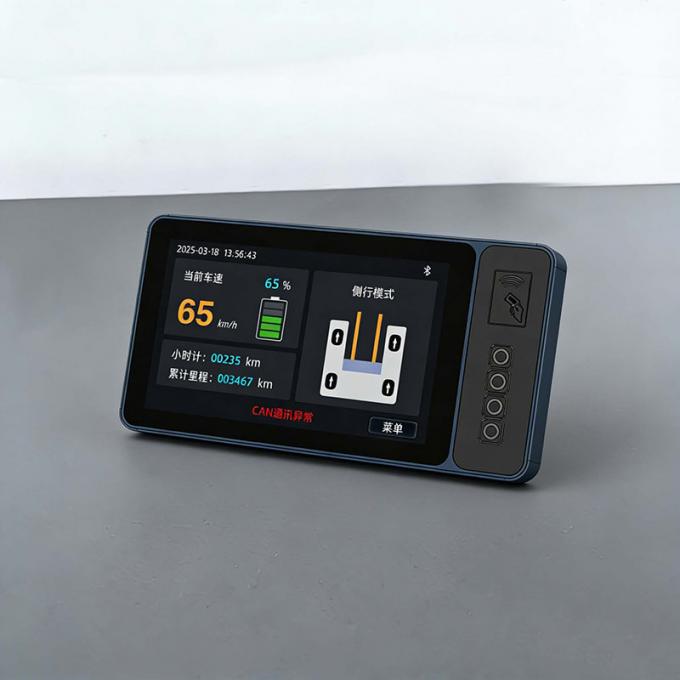
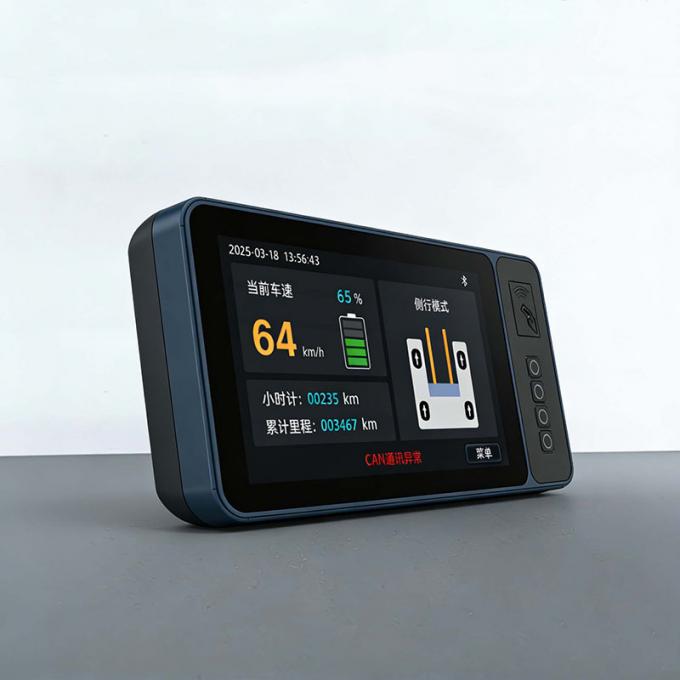
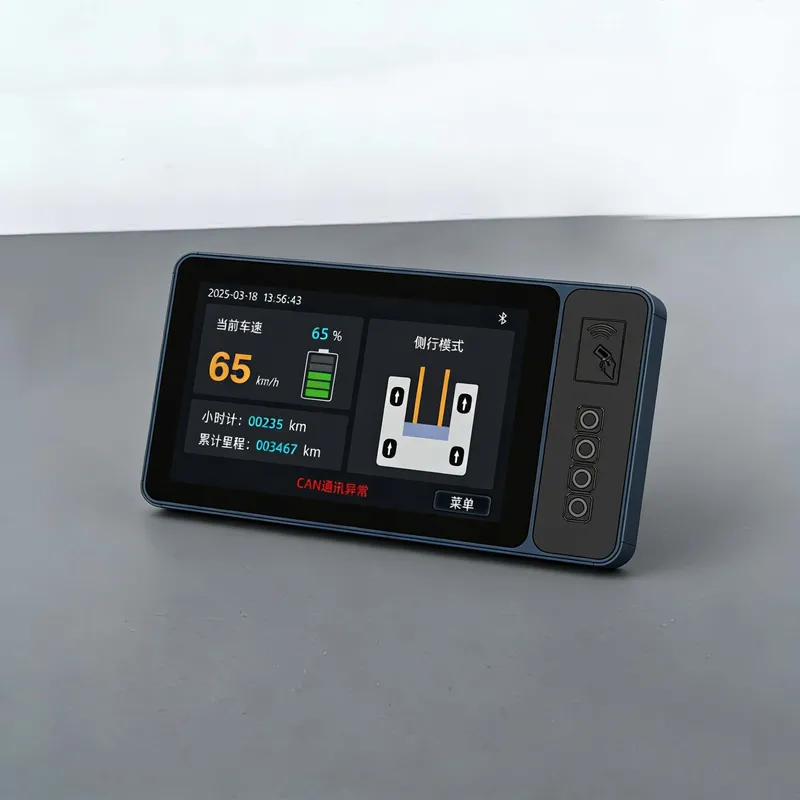
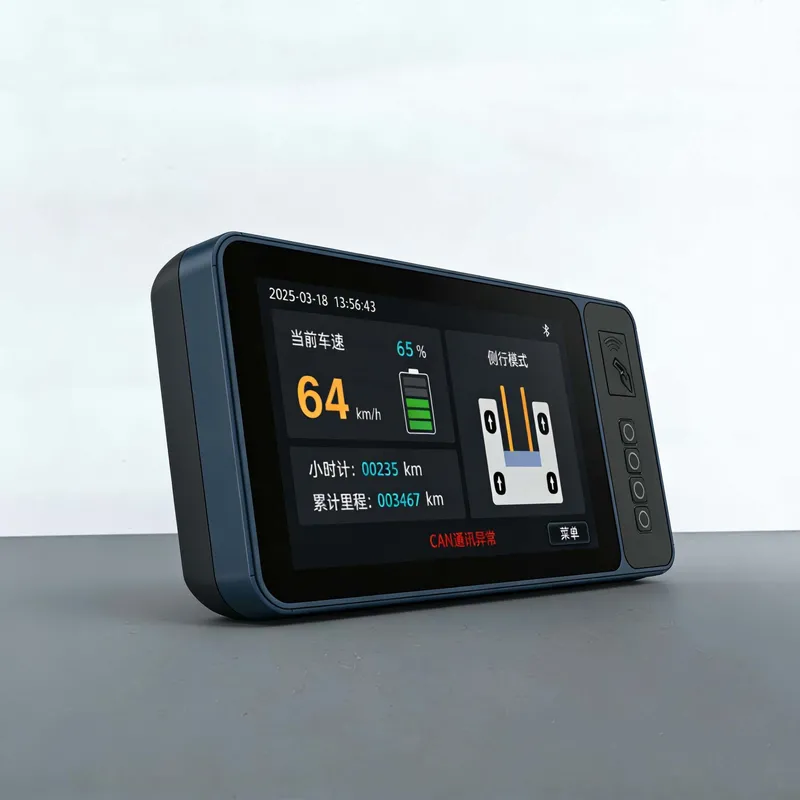
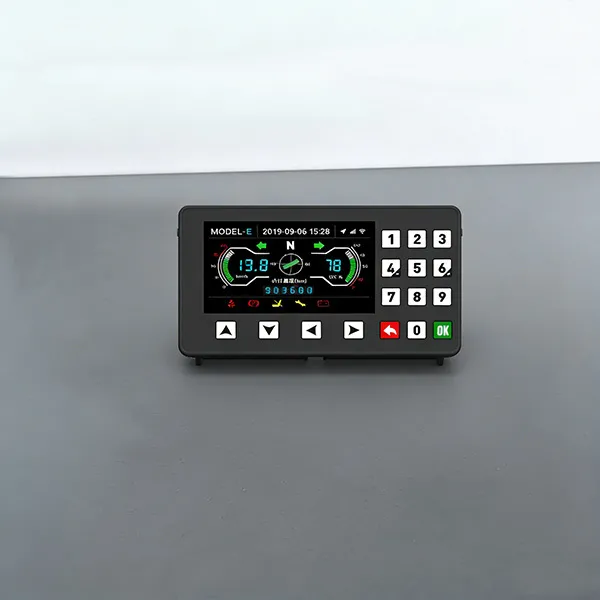
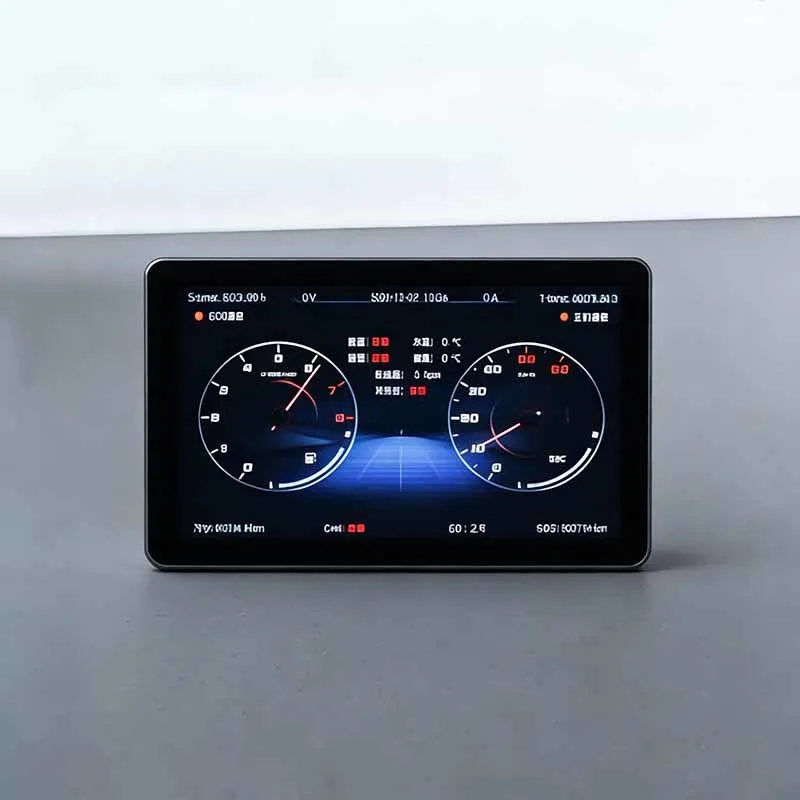
7-inch Tractor Engine RPM Gauges Dashboard
This product, built on systems like Linux, has developed a full range of construction machinery instrument products covering sizes from 2 inches to 12.3 inches. It implements basic functions including instrument display, communication, and card-swiping login.
It supports standard instrument functions, driving recorder, 4G module (vehicle networking), Bluetooth, Wi-Fi, GPS/BeiDou positioning, speaker, and radio. Additionally, it allows memory expansion of over 256GB, supports software updates via USB or Wi-Fi, and can be customized according to user requirements.
Technical Parameters of 7-inch Tractor Engine RPM Gauges Dashboard
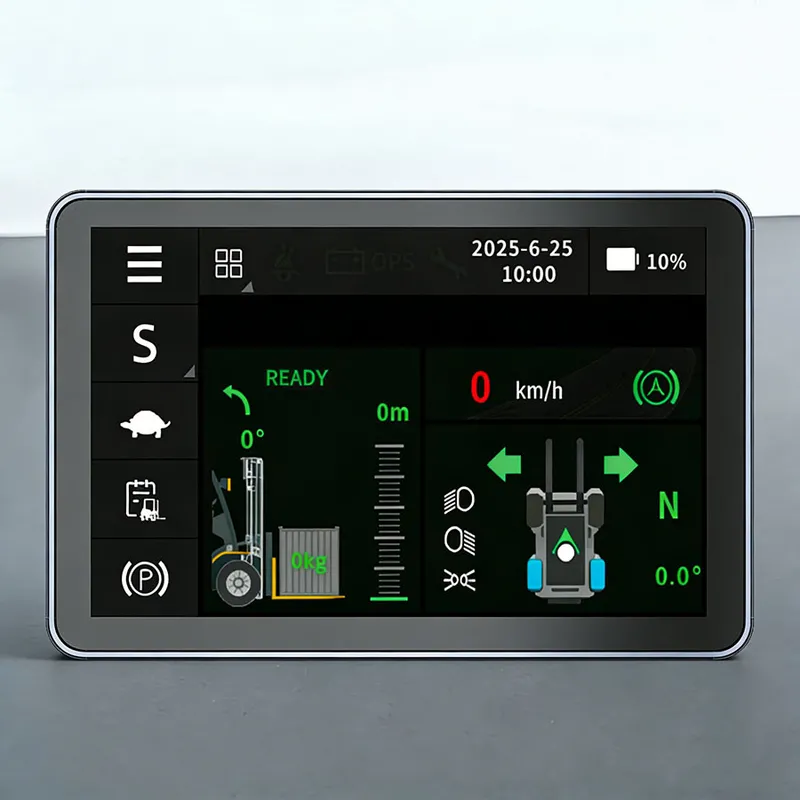
Application Scenarios | Electric forklifts, tractors, sightseeing carts, golf carts, etc. |
Display Type | TFT 7-inch display, 1024*600 resolution |
Operating Voltage | DC 8V-36V |
Communication Method | Dual-channel CAN interface |
Operating Temperature | -30℃ to +75℃ |
Optional Configurations | Face recognition or card swiping |
Core Advantages of 7-inch Tractor Engine RPM Gauges Dashboard
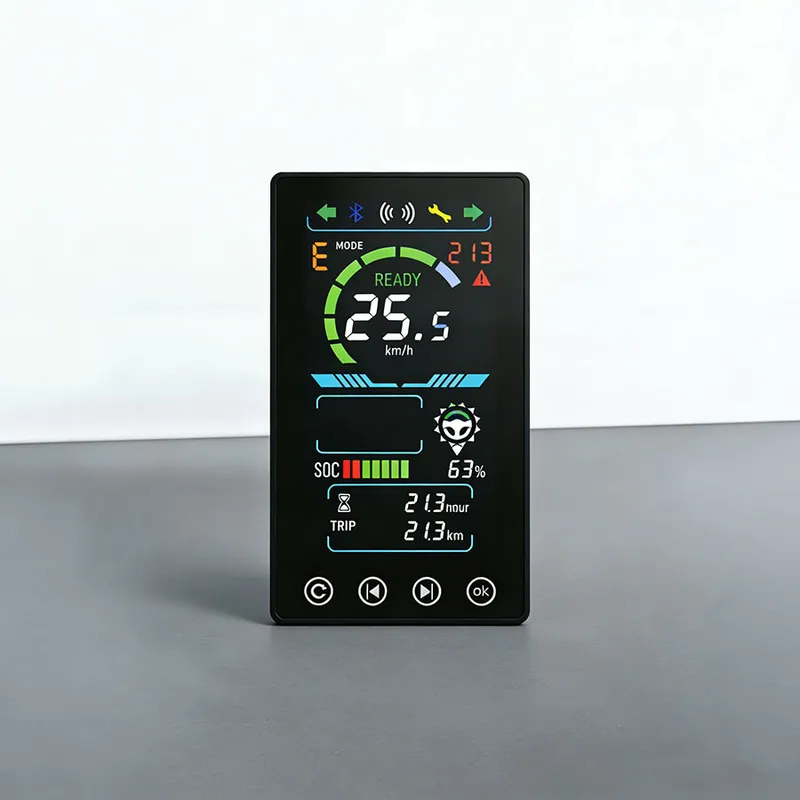
1,Battery and Fuel Level Display,Gear Position Display,Speed Display;
2,Single Trip Mileage Display & Total Mileage Display,Personalized Function Settings;
3,Fault Indication,Two-Channel Video Monitoring, Video Recording and Playback.
How to clean the dust on the Tractor Gauges Dashboard?
Please follow the correct cleaning procedure to remove dust from forklift touch screen and avoid damaging touch‑sensor surface:
◆ Power off firstDisconnect the power supply before any cleaning work, to avoid short‑circuit risk.
◆ Remove loose dustWipe dust gently with a lint‑free microfiber cloth. Wipe in one direction instead of circular rubbing to reduce micro‑scratch risk.
◆ Handle stubborn stainsIf there is oil or stubborn dirt, moisten the cloth with a small amount of clean water and wring it fully dry before wiping. Never spray or pour liquid directly onto the display. Liquid may seep into housing and damage internal electronics.
◆ Forbidden cleaning suppliesAvoid alcohol, acetone, solvent‑based detergents, abrasive sponges. These chemicals will corrode the anti‑glare and touch coating.Do not use high‑pressure compressed air gun; strong airflow may push dust into connector gaps.
◆ Dry naturallyLeave the screen air‑dry after cleaning before powering it on again.

 Stock Code: 832864
 +86-13651879559
 overseasales@hfxlyb.com
 +8613651879559


 Email
Email Inquiry
 Search
 Current location:
  +8613651879559
 Send Enquiry