Tractor Steering Wheel Dashboard
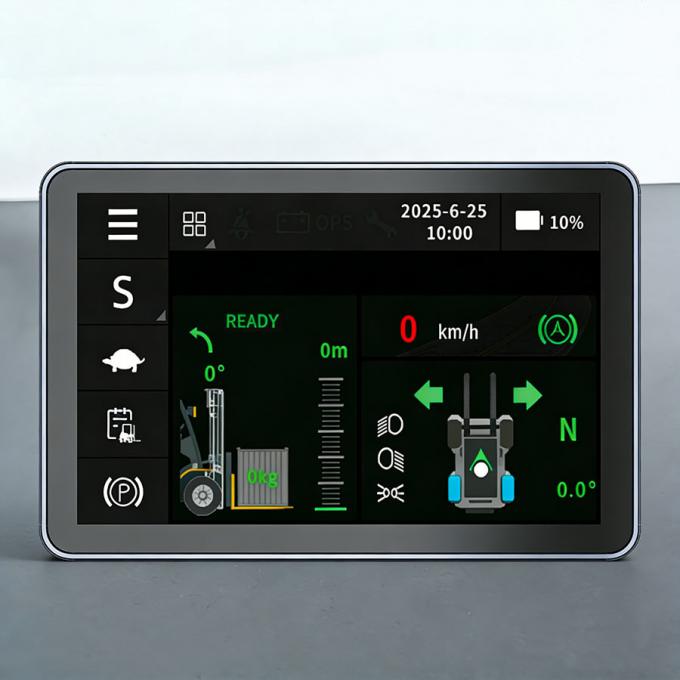
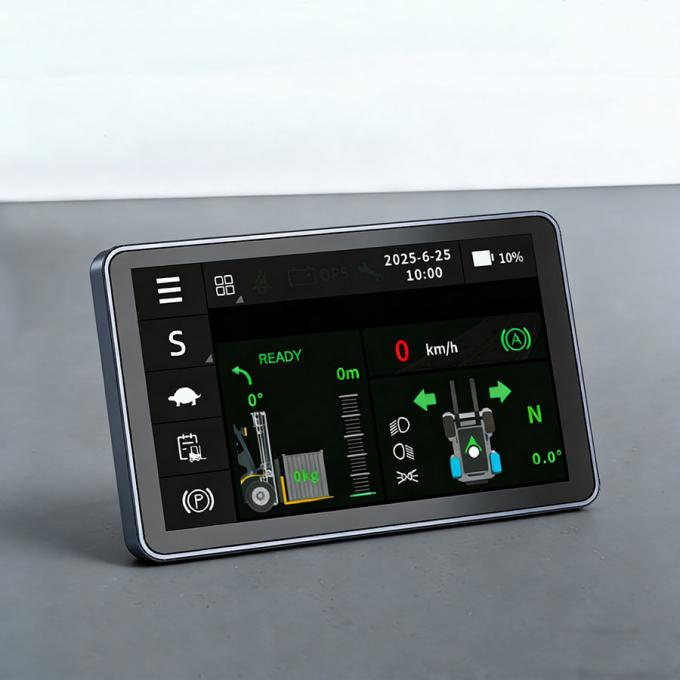
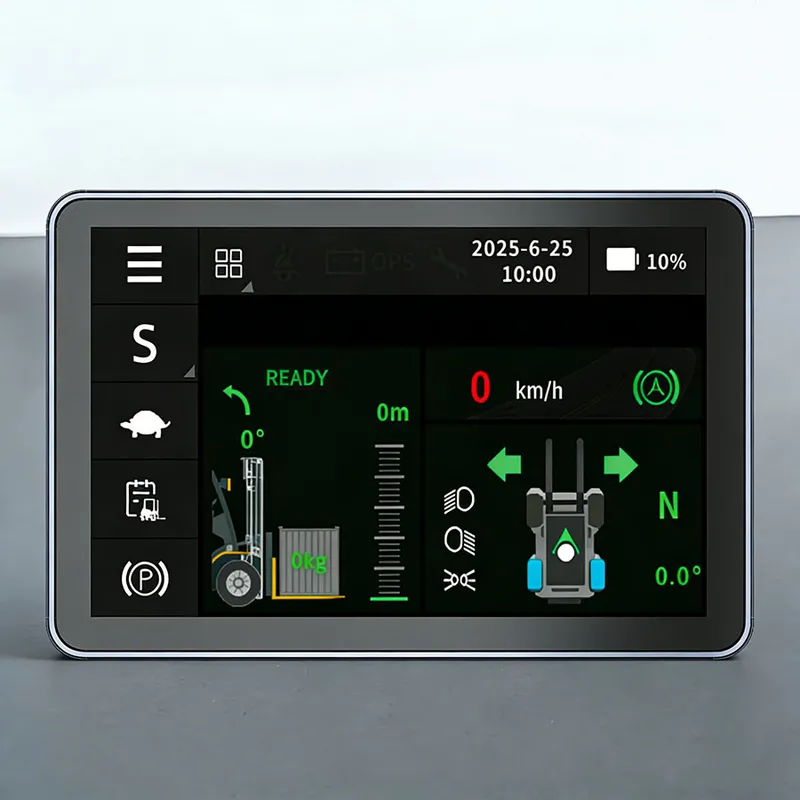
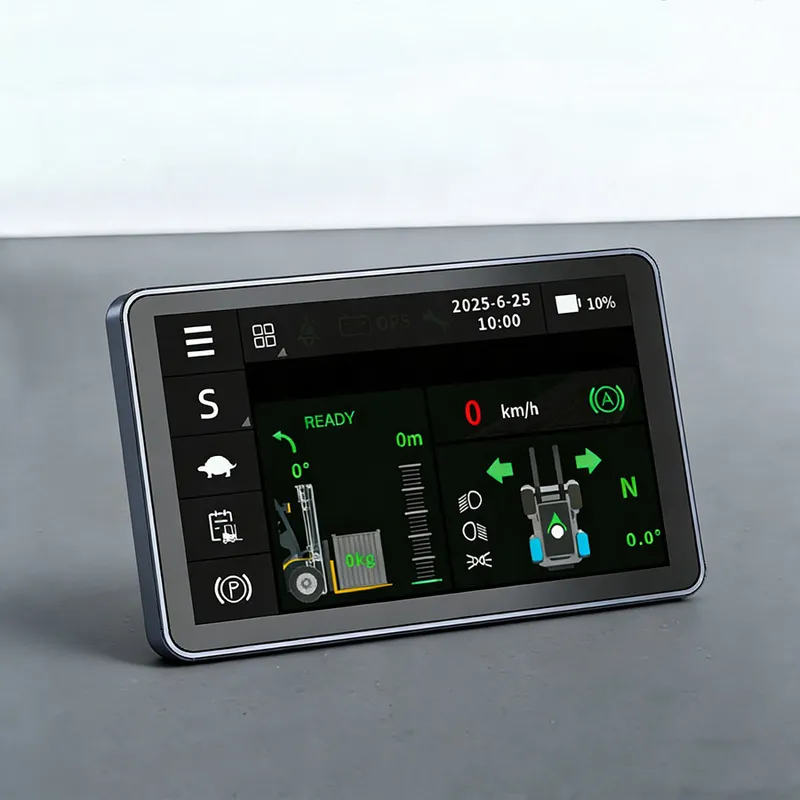
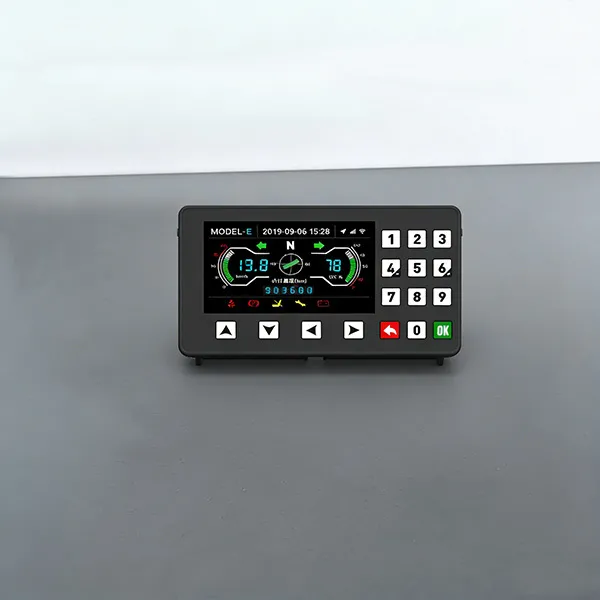
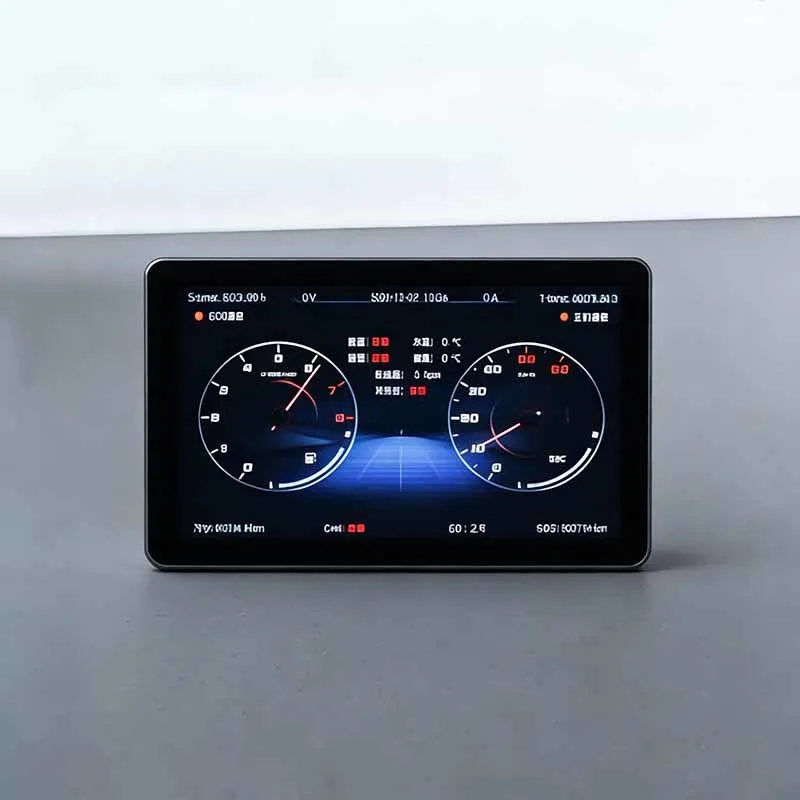
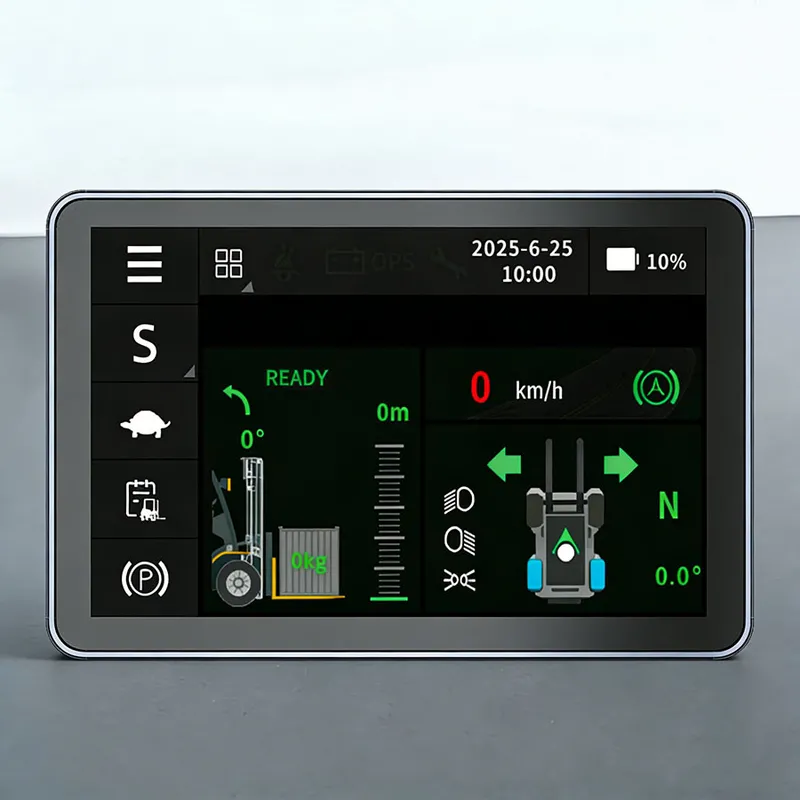
This product is developed based on Linux and other systems, creating a full range of 5-inch engineering machinery instrument products, realizing basic functions such as instrument display, communication, and card login.
The product supports standard instrument functions, driving recorder, 4G module (car networking), Bluetooth, Wi Fi, GPS/Beidou positioning, speaker and radio functions; In addition, it can also support memory expansion of 256GB or more, software updates through USB or Wi Fi, and provide personalized customization services according to user needs.
Technical Parameters of Tractor Steering Wheel Dashboard
Application Scenarios | Electric forklifts, tractors, sightseeing carts, golf carts, etc. |
showing type | 800*480 resolution |
Working Voltage | DC 8V-36V |
Operating Temperature | -30℃~80℃ |
terminal output | M22032S-2X6-A |
Optional Configurations | Face recognition or card swiping |
Core Advantages of Tractor Steering Wheel Dashboard
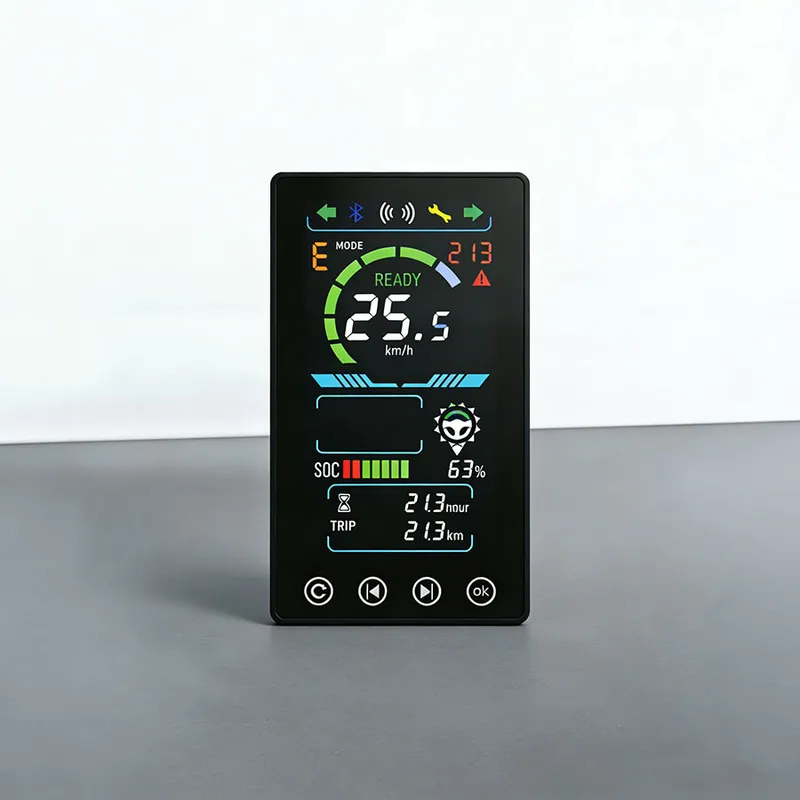
1,Electricity or fuel display, gear and speed display
2,Total kilometers, single trip display
3,Fault Display and Custom Settings
What are the common faults of the Tractor Steering Wheel Dashboard?
Below are typical common faults, possible causes and simple troubleshooting suggestions for forklift touch screen:
◆ Black screen, no image outputPossible causes: Poor contact of power wiring; input voltage out of DC 8‑32V rated range; internal circuit damage.Troubleshooting: Verify vehicle power supply voltage, check whether power plug is firmly locked.
◆ Touch unresponsive, delayed touch or mis‑touchPossible causes: Dust, oil or water stains covering touch surface; severe working vibration; touch sensor layer damaged by impact.Troubleshooting: Clean screen surface following cleaning specifications. If no improvement, hardware damage may exist.
◆ Screen flickering, automatic restartPossible causes: Loose power or CAN‑bus connectors; vehicle power surge / voltage fluctuation; poor ground connection.Troubleshooting: Re‑lock all connectors, check vehicle power stability.
◆ Blurry display, ghost image, color distortionPossible causes: Operating temperature exceeds specification limit; LCD panel aging or mechanical damage.
Partial touch area fails to workPossible causes: External impact or scratch on touch glass leads to local failure of touch sensor.
If wiring and power inspection cannot solve the problem, please do not open the housing for self‑repair. Record fault phenomenon and contact our technical team for further guidance.

 Stock Code: 832864
 +86-13651879559
 overseasales@hfxlyb.com
 +8613651879559


 Email
Email Inquiry
 Search
 Current location:
  +8613651879559
 Send Enquiry